

SEO plays a fundamental role in your website’s visibility and success, making the choice of a Content Management System (CMS) crucial. When comparing options like WordPress, Wix, and others, you need to consider factors such as customization, plugin availability, and user-friendliness. Selecting the right CMS can enhance your web presence, streamline your optimization efforts, and ensure that your site follows best practices. By evaluating these platforms, you can make an informed decision that aligns with your SEO goals.
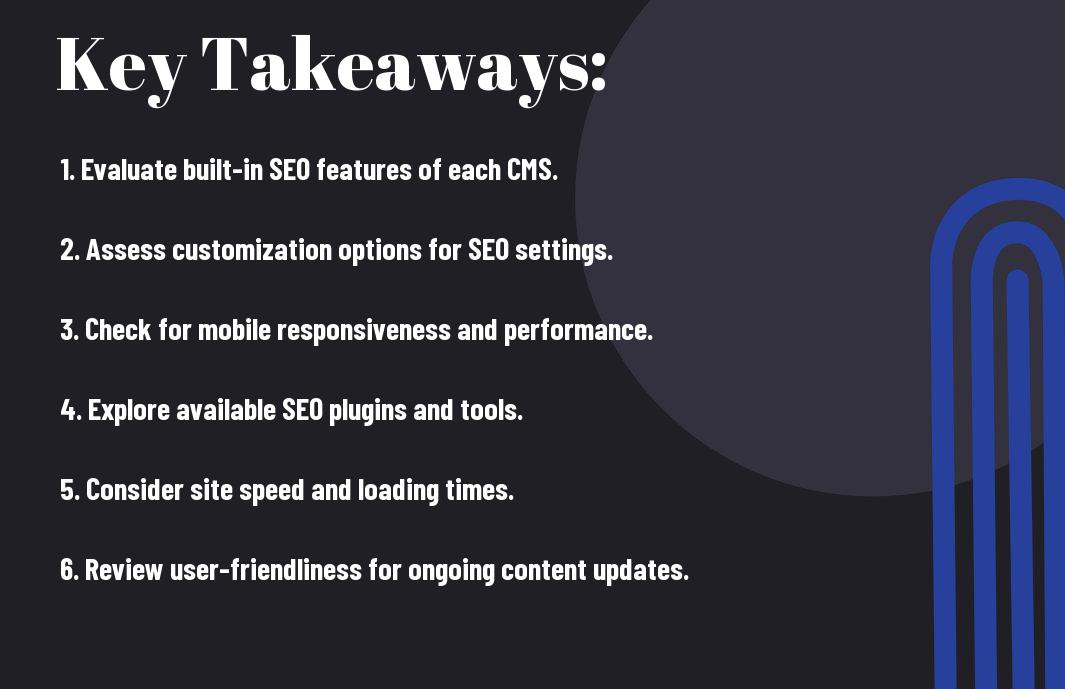
Key Takeaways:
- Customization Options: Choose a CMS that offers extensive design and functionality customization, enabling you to optimize your site for SEO efficiently.
- SEO Features: Look for built-in SEO features or easily integrable plugins that assist with meta tags, sitemaps, and analytics tracking.
- Mobile Friendliness: Ensure the CMS provides responsive themes or templates, as mobile optimization is necessary for good search engine rankings.

Understanding SEO and Its Importance
Your website’s SEO is vital for enhancing visibility and attracting traffic. By optimizing your content, you can improve your chances of ranking higher on search engines, making it easier for potential customers to find you. This engagement can lead to increased conversions and better overall performance, which is why at Crawford Web Design & SEO, we emphasize using platforms like WordPress that are SEO-friendly.
What is SEO?
Along with website content, SEO (Search Engine Optimization) involves a variety of strategies aimed at improving your site’s ranking in search engine results. This includes keyword research, content optimization, and technical improvements. By implementing effective SEO tactics, you ensure that your website is more visible to users searching for relevant information.
How SEO Affects Your Website’s Performance
What many don’t realize is that SEO directly impacts your site’s performance and user engagement. An optimized website can lead to better loading speeds, improved user experience, and increased organic traffic. Additionally, proper SEO practices help establish your brand as a credible source, which translates into higher trust and loyalty from users.
Even a small improvement in your SEO can result in significant gains. Strong organic search visibility means more users find your website, which can lead to increased traffic, higher conversion rates, and ultimately better revenues. Your site’s performance heavily relies on best SEO practices, as they enhance not only user experience but also search engine rankings, allowing you to stay competitive in your niche.
Overview of Popular CMS Platforms
There’s a wide array of CMS platforms available today, each with unique strengths and weaknesses in terms of SEO performance. WordPress and Wix are among the most popular options, widely used for building websites that rank well on search engine results pages. Your choice of CMS can significantly impact your site’s visibility, so understanding their capabilities and limitations is necessary for optimizing your online presence.
WordPress
Above all, WordPress is highly regarded for its SEO-friendly features, offering various plugins like Yoast SEO that help streamline your optimization process. With a strong foundation in customization and flexibility, you can easily implement best practices and enhance your site’s search engine ranking.
Wix
At first glance, Wix may seem like a user-friendly option for website creation, but its SEO capabilities have room for improvement. While it provides basic SEO tools, the platform’s limitations regarding URL structure and insufficient access to necessary technical elements can hinder your website’s performance.
Hence, if you opt for Wix, be aware of its restrictive control over your site’s meta tags and incomplete functionality for advanced SEO techniques. Although it offers an intuitive drag-and-drop interface, this simplicity can lead to missed opportunities for optimal SEO management. As you design your site, weigh these considerations carefully to ensure your site’s potential remains intact.

Key SEO Features to Consider in a CMS
Not all content management systems (CMS) offer the same capabilities when it comes to SEO performance. You should evaluate features like customizable permalinks, responsive design, mobile-friendliness, and integration with SEO plugins. Look for a CMS that enables easy meta tag management, schema markup, and XML sitemap generation. A strong CMS investment can elevate your website’s visibility and ultimately drive more organic traffic.
Customization and Flexibility
Customization is crucial in a CMS as it allows you to tailor your SEO strategy to your specific needs. A flexible platform like WordPress enables you to choose from a variety of themes and plugins, which can help enhance your site’s functionality and optimize for search engines. This adaptability ensures you can implement best practices and stay ahead of competitors.
SEO-Friendly URL Structures
An SEO-friendly URL structure enhances your site’s visibility and user experience. Opt for a CMS that lets you create descriptive, keyword-rich URLs that are easy for search engines and visitors to understand. This capability not only aids in ranking higher but also contributes to a cleaner appearance in search results.
Indeed, having SEO-friendly URL structures can significantly impact your website’s performance. When your URLs clearly convey the content of your pages, they can boost click-through rates and drive more traffic. A well-structured URL, such as www.yoursite.com/seo-tips, signals relevance to both users and search engines. Additionally, avoid using long strings of numbers or special characters in URLs, as they can appear spammy and deter potential visitors. A focused approach to URL optimization ensures your content is better indexed and understood by search engines, greatly benefiting your overall SEO strategy.
User-Friendliness and Support
For website owners, the ease of use and level of support provided by a CMS can significantly impact your SEO efforts. Platforms like WordPress offer intuitive interfaces and robust plugins that streamline SEO tasks, allowing you to optimize your site efficiently. In contrast, others like Wix may cater to beginners with simpler setups, but you might find fewer advanced features for comprehensive SEO management.
Learning Curve
Against popular belief, not all CMS platforms have the same learning curve. WordPress may initially seem daunting due to its extensive features, but once you familiarize yourself with its dashboard and plugins, you’ll find it offers unparalleled flexibility. On the other hand, platforms like Wix can be easier to navigate but may lack depth in advanced SEO capabilities.
Availability of Resources and Community Support
Any CMS’s strength often lies in its community and resource availability. WordPress boasts an immense community that provides extensive documentation, forums, and tutorials, encouraging users to optimize their sites effectively. Meanwhile, while platforms like Wix offer help resources, they cannot match the vast knowledge base supporting WordPress.
Further, the availability of resources and community support can influence your success with SEO. WordPress alone hosts thousands of plugins, tutorials, and forums dedicated to improving SEO performance, providing you with the tools necessary for success. The active community can assist you in problem-solving and sharing strategies, enhancing your learning experience. In contrast, while less extensive, Wix’s support is still helpful, but you might find the limitations frustrating as your demands grow.
Performance and Speed
Keep in mind that the performance and speed of your chosen CMS can significantly impact your website’s effectiveness. Fast-loading websites contribute to a better user experience and lower bounce rates, which in turn can positively influence your SEO efforts. WordPress, when optimized with the right plugins and themes, can offer impressive performance; however, platforms like Wix may not match this speed due to their inherent limitations.
Impact on SEO Rankings
About 70% of consumers say that page speed affects their willingness to purchase from an online retailer. A slow website can lead to higher bounce rates and lower SERP rankings, making it imperative for you to prioritize speed in your CMS selection process. With WordPress, you have more control over optimizations, allowing you to enhance your site’s speed and improve rankings significantly.
Hosting Options and Their Role
After selecting a CMS, your hosting options play a vital role in your website’s performance. The hosting provider’s quality can directly affect your site’s speed, uptime, and security, which are all important for SEO. Using a reliable hosting service can lead to faster load times, contributing positively to your overall SEO strategy.
Due to the variety of hosting options available, you must choose one that complements your CMS capabilities. Shared hosting may be cost-effective but can lead to slower speeds, particularly during peak traffic. In contrast, managed WordPress hosting solutions offer optimized environments that greatly enhance loading speeds and uptime, positively impacting your SEO efforts. Investing in a good hosting provider will help you ensure that your site remains performant and user-friendly, which is imperative for maintaining high SEO rankings.
Summing up
Conclusively, choosing the right CMS for your SEO strategy requires careful consideration of your specific needs and goals. Evaluate platforms based on their SEO capabilities, ease of use, flexibility, and available plugins or integrations. While WordPress offers rich features tailored for SEO, other platforms like Wix may serve simpler, more visual designs. Your choice should align not only with your current requirements but also with future scalability, ensuring that your website can grow and adapt as your SEO strategy evolves.
FAQ
Q: What are the key SEO features to look for in a CMS?
A: When evaluating a CMS for SEO performance, consider the following features: 1) URL Structure – A good CMS should allow for clean and customizable URLs, as this helps search engines understand your content better. 2) Meta Tags and Descriptions – The ability to easily edit meta titles, descriptions, and header tags is important for optimizing individual pages. 3) Mobile Responsiveness – A CMS should offer responsive design options since mobile-friendliness is a significant ranking factor. 4) Speed Optimization – Tools and settings for optimizing page load times greatly impact SEO. 5) SEO Plugins and Integrations – Look for a CMS that supports SEO plugins or tools that can assist with keyword analysis, sitemap generation, and other optimization tasks.
Q: How does WordPress compare to other CMS platforms for SEO?
A: WordPress is often regarded as one of the best CMS platforms for SEO due to its extensive range of plugins, like Yoast SEO, which streamline optimization processes. It provides users with flexibility in URL structuring and allows for easy customization of title tags and meta descriptions. In comparison, platforms like Wix have improved their SEO capabilities over the years, adding features such as meta tags and site map functionalities, but may still fall short in flexibility compared to WordPress. On the other hand, platforms like Squarespace offer built-in SEO tools but might not provide as much customization as WordPress, limiting advanced SEO practices.
Q: Can a user with no technical skills successfully optimize their site for SEO on any CMS?
A: Yes, many CMS platforms have user-friendly interfaces designed for individuals without technical expertise. WordPress, for instance, offers various plugins that guide users through SEO optimization processes, making it accessible for beginners. Wix and Squarespace are also known for their intuitive design, with drag-and-drop features and simple settings for managing SEO elements. However, while basic optimizations can be easily handled, a deeper level of SEO knowledge will yield better results. Users may benefit from consulting SEO professionals or utilizing online resources regardless of their chosen CMS.