

Most website owners overlook image optimization, which is vital for enhancing your site’s loading speed and improving your SEO. By implementing proper techniques for resizing, compressing, and formatting your images, you can create a more efficient user experience while boosting your search engine rankings. This guide will walk you through the best practices that will help you maximize your images’ impact without compromising quality, ultimately taking your website’s performance to the next level.
Types of Image Formats
Your choice of image format significantly influences loading times and SEO. Different formats serve unique purposes; understanding them can enhance user experience. Here are the most common formats to consider:
- JPEG – Great for photographs, balanced quality and size
- PNG – Ideal for graphics, supports transparency
- GIF – Perfect for simple animations
- SVG – Best for logos and icons, scalable without loss
- WEBP – Modern format, compresses images without quality loss
You must choose wisely to optimize your images effectively.
| Format | Use Case |
| JPEG | Photographs |
| PNG | Graphics and icons |
| GIF | Animations |
| SVG | Logos and scalable designs |
| WEBP | Efficient web images |
Common Formats and Their Uses
You can streamline your image optimization process by familiarizing yourself with common formats. Each type serves specific needs, whether it’s high-quality photography or web graphics. JPEG is often preferred for complex images, while PNG is great for detailed graphics or images requiring transparency. Choose an appropriate format to maintain quality while optimizing performance.
Choosing the Right Format for Your Needs
While understanding formats is imperative, selecting the right one boils down to your specific project requirements. Take into account factors like the desired transparency, quality, and whether the image will be animated. Each format has strengths that make it suitable for different scenarios, which can notably affect loading times and user experience.
Plus, it’s important to align your format choice with your website’s overall strategy. For example, if your primary focus is on fast loading times, formats like WEBP can be a game-changer. Conversely, for rich visuals that require detail, JPEG or PNG may be more advantageous. Evaluate your goals and pick formats that bolster your image optimization without sacrificing quality or load speed.
Tips for Image Optimization
While optimizing images for your website, consider the following strategies to enhance loading speeds and boost SEO:
- Choose the right file format (JPEG for photos, PNG for graphics).
- Use descriptive filenames and alt text for better search visibility.
- Implement responsive images to ensure they adapt to various screen sizes.
- Utilize lazy loading to defer off-screen images until needed.
Any of these practices can significantly improve user experience and your site’s search rankings.
Compression Techniques
Any image needs to be compressed to minimize file size without sacrificing quality. Tools like TinyPNG or ImageOptim, or our own image optimizer, can help reduce the weight of your images, resulting in faster load times. Aim for a balance between quality and size—losing a little clarity can lead to significant gains in performance.
Resizing for Web Use
Even small images can cause slow loading times if they are too large for their intended display. It’s vital to resize images to fit the dimensions of your website layout, ensuring that you don’t serve larger files than necessary. Using tools like Photoshop or online services can streamline this process.
For instance, if your design requires an image to be displayed at 800×600 pixels, upload an image that is precisely that size rather than a full-resolution photo. This adjustment avoids the added load time that occurs when the browser has to scale down larger images, enhancing overall performance and keeping your visitors engaged. Optimize your workflow by establishing a set of preferred dimensions based on your site’s design.
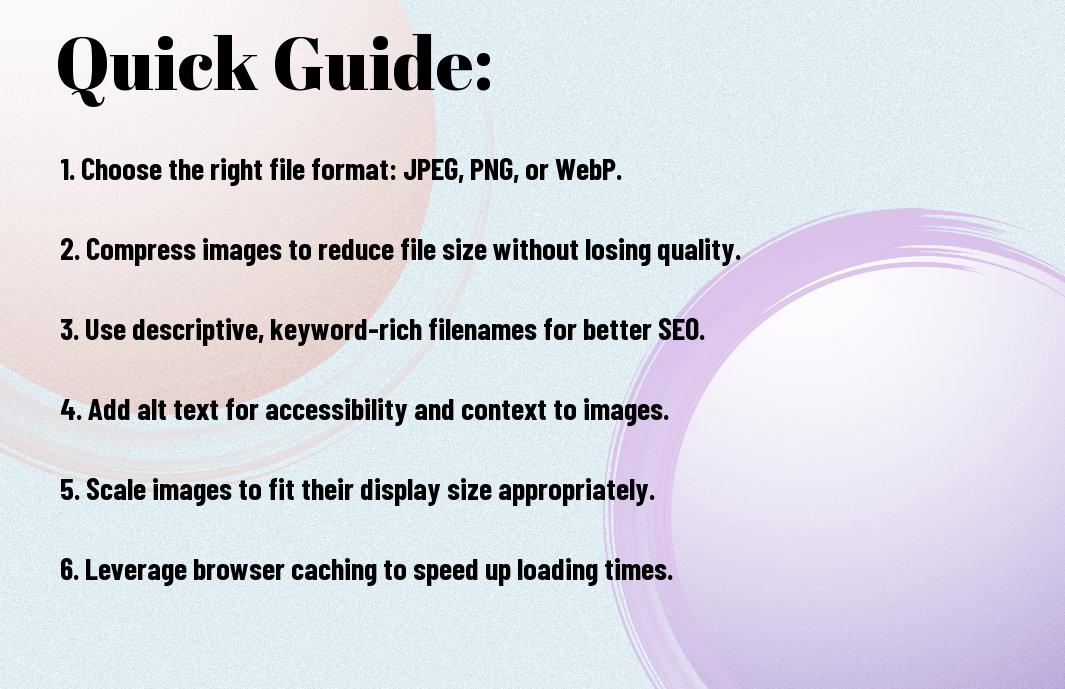
Step-by-Step Image Optimization Process
Once again, optimizing your images can significantly improve loading times and enhance your SEO efforts. Follow this structured approach to achieve optimal results:
| Step | Action |
|---|---|
| 1 | Choose the right file format (JPEG, PNG, WebP). |
| 2 | Resize images to fit your layout. |
| 3 | Compress images without losing quality. |
| 4 | Add descriptive, keyword-rich alt text. |
| 5 | Implement lazy loading for improved user experience. |
Tools and Software Resources
Any effective image optimization process is supported by the right tools. Popular options include Adobe Photoshop for manual adjustments, TinyPNG and Kraken.io for online compression, and image editing plugins like Smush for WordPress users. These resources ensure you achieve high-quality images that load quickly, thus enhancing your website’s performance.
Workflow for Effective Optimization
Image optimization should be a consistent part of your content creation workflow. By integrating image optimization techniques early on, you can save time and boost performance right from the start.
For instance, when uploading new content, always prepare your images by resizing them to match your website’s requirements before saving and compressing them. This preemptive step ensures that your images are both visually appealing and lightweight, preventing unnecessary delays in loading times. Implementing an efficient workflow, including regular audits of existing images, keeps your site optimized as your content evolves.
Factors Affecting Image Loading Times
Not all images are created equal, and several factors can influence their loading times. These include:
- Image file size
- Dimensions and resolution
- File format
- Server response times
- Use of Content Delivery Networks (CDNs)
You can learn more about optimizing images with this How to optimize images for web: A step-by-step guide.
File Size and Dimensions
Size matters when it comes to images, as larger files take longer to load. You should choose dimensions that suit your layout while ensuring that the file size is minimized without sacrificing quality. Aim for a resolution that balances detail and performance to enhance user experience.
Hosting and CDN Considerations
Some aspects of your hosting solution can significantly impact image loading times. A reliable hosting provider ensures swift server response, while employing a Content Delivery Network (CDN) can distribute your images across various servers globally, reducing latency and speeding up access times for users.
Considerations for hosting and CDN should include selecting a provider with fast connectivity and server locations close to your audience. Additionally, using CDNs not only improves loading speeds but also helps with load balancing during peak traffic times, thereby ensuring a smoother user experience. Ultimately, a seamless integration between your images and hosting infrastructure is key to optimized performance.
Pros and Cons of Different Image Optimization Strategies
Now, it’s vital to evaluate the pros and cons of various image optimization strategies to ensure you choose the best approach for your needs. Below is a summary:
| Pros | Cons |
|---|---|
| Improves website loading speed | Can reduce image quality if not balanced |
| Enhances user experience | Time-consuming optimization process |
| Boosts SEO effectiveness | Requires knowledge of various formats |
| Reduces bandwidth usage | Possible file format compatibility issues |
| Improved accessibility | May need ongoing adjustments |
For more guidance on effective methods, consult Image SEO Best Practices | Google Search Central.
Benefits of Optimized Images
Benefits of optimized images are numerous, including faster loading times that directly enhance user engagement. When images are appropriately compressed and sized, not only does your site load quicker, but it also ranks better in search engine results, increasing visibility and traffic. Optimizing images can also lead to lower bandwidth costs, which is especially beneficial for those on shared hosting plans or limited data plans.
Potential Drawbacks and Trade-offs
Image optimization can occasionally come with drawbacks you should consider. While optimizing images improves load times, over-compression may result in lower quality visuals, which can detract from the aesthetic appeal of your site. Additionally, the optimization process requires an investment of time and potentially technical knowledge, depending on the strategy you choose.
It’s important to balance quality and compression effectively. If you overly compress images to achieve faster loading times, you risk damaging your brand’s image by presenting low-resolution visuals. Finding the right balance between file size and image quality can sometimes feel tricky, but it’s vital for maintaining your site’s professional appearance while ensuring optimal performance.
Best Practices for SEO and Images
Many website owners overlook the importance of image optimization in their SEO strategies. By optimizing your images, you not only enhance user experience through faster loading times, but you also improve your site’s visibility in search engine results. Make sure to compress images without compromising quality, use relevant filenames, and leverage proper formats like JPEG or WebP for efficiency. These practices can significantly contribute to both faster page loads and higher search rankings.
Alt Text and Image Descriptions
Images play a vital role in conveying your message, but without descriptive alt text, they may not make a significant impact on SEO. Alt text should be concise yet descriptive, helping search engines understand the image content. This further aids accessibility for visually impaired users, catering to a broader audience. Ensure your alt text incorporates relevant keywords, as this can improve your page’s ranking and provide context for search engines.
Structured Data for Images
Any image embedded on your website can benefit from structured data, which helps search engines better understand your content. By using schema markup for images, you can provide context such as the image type, its relevance, and how it relates to the surrounding text. This not only enhances the visibility of your images in search results but can also lead to richer search experiences, like image carousels, ultimately driving more traffic to your site.
Images that include structured data significantly improve indexing, allowing search engines to display them more effectively. By ensuring you provide complete and accurate markup, your images can show up in relevant image searches and even garner higher click-through rates. Using tools like Google’s Structured Data Testing Tool can help validate your data, ensuring that it enhances both SEO performance and user engagement. In a visually driven digital age, leveraging these techniques will put your content ahead of the competition.
Final Words
With this in mind, optimizing your images is imperative for enhancing loading speeds and improving SEO. You should always use the appropriate file formats, compress images without sacrificing quality, and utilize descriptive, keyword-rich alt text. Additionally, employing responsive image techniques ensures your visuals look great on all devices. By implementing these best practices, you not only improve your website’s performance but also provide a better user experience, which can lead to increased engagement and higher search engine rankings.